

Developer Keys
Developer Keys are machine credentials — API keys for non-interactive clients (scripts, integrations, devices) that call the MACHHUB API without a username/password login. They are listed under Account → Developer Keys.
A Developer Key is also the credential the MACHHUB Designer VS Code extension uses to authenticate its proxy connection to a MACHHUB Platform server.
An API key is sent on requests as:
X-Machhub-Api-Key: mchx_<key-secret>Keys carry scoped feature permissions, and the full key value is shown once at creation — store it securely.
The list view shows each key’s Name, Expiration Date, Description, and Status (No Expiration / Valid / Expired).
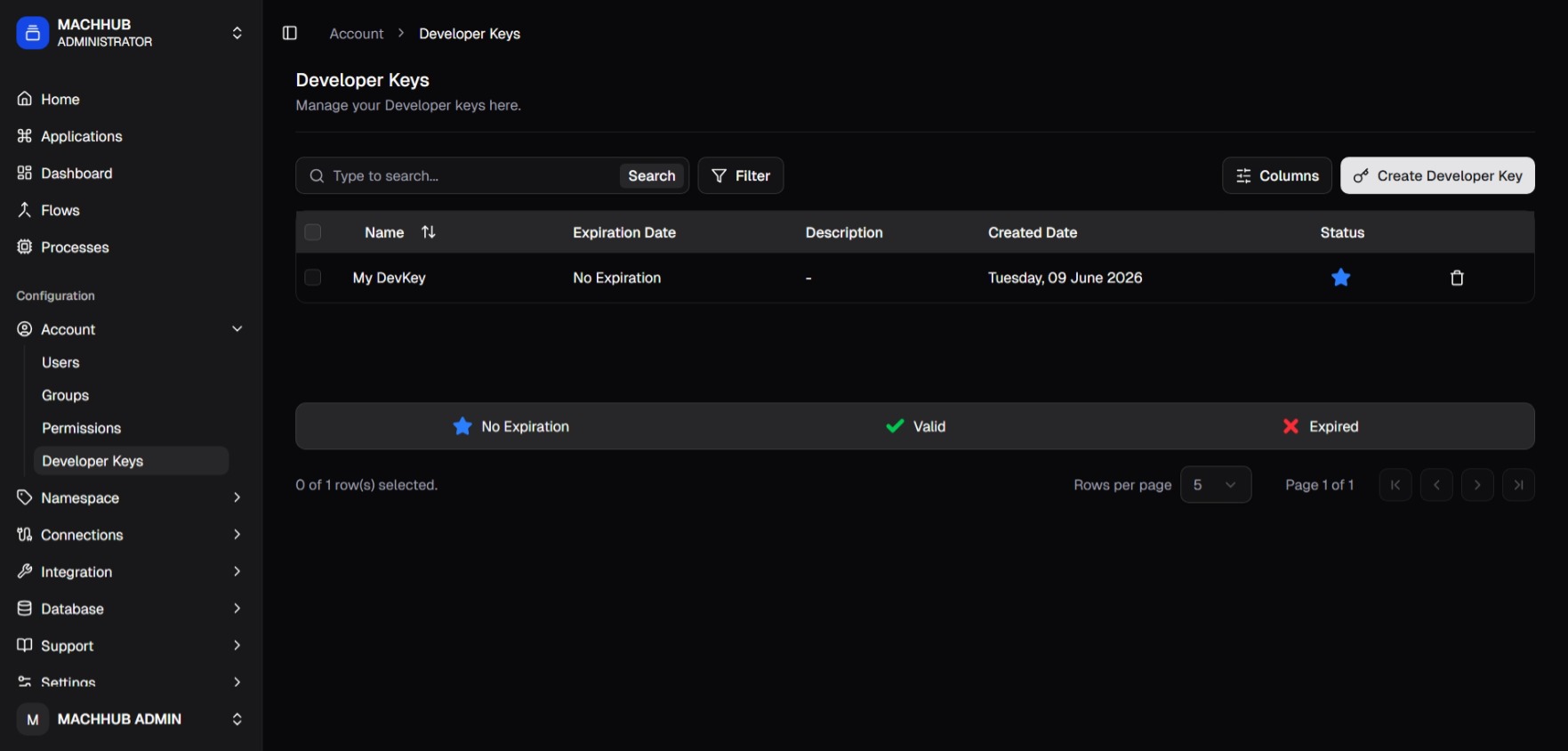
/account/developer_keys).Generating a key
Section titled “Generating a key”Click Add API Key to open the generation dialog. Give the key a Name, an
optional Expiration and Description, and create it. The full mchx_… token is
displayed once — copy it immediately, as it cannot be retrieved again.
For how to present a key on requests, see API → Authentication.
Related
Section titled “Related”- Authentication — JWT vs. API key
- Authorization — scoping a key’s permissions