

Upstreams (MQTT bridges)
Upstreams bridge your MACHHUB broker to another MACHHUB instance, mirroring parts of your Unified Namespace for edge-to-cloud or site-to-site data flow. Manage them under Connections → Upstreams.
There is no username or password. Instead you request a connection from the downstream and an operator accepts it on the upstream server. The instance creating the upstream is the downstream; the one it connects to is the upstream server.
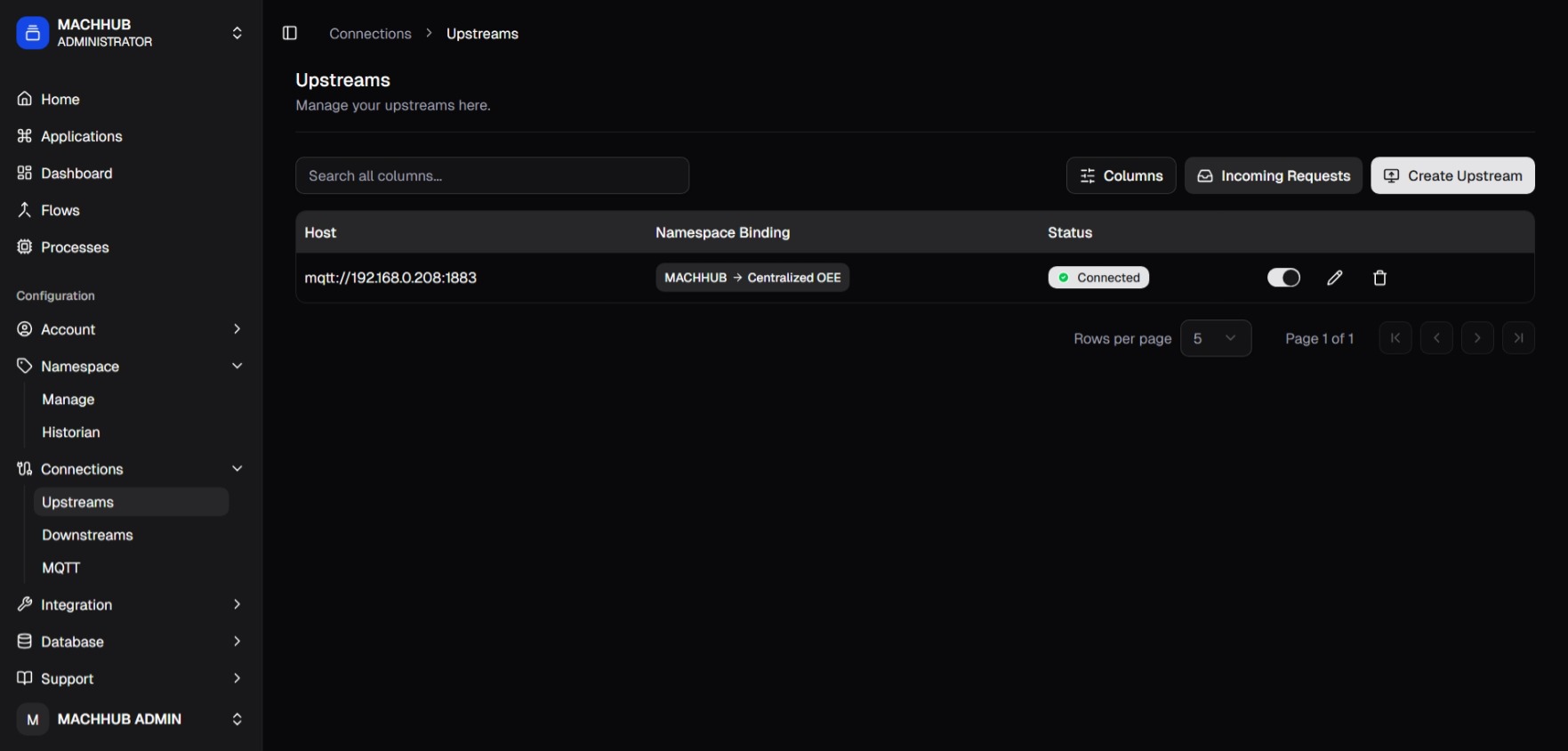
/connections/upstreams) — Host, Namespace Binding, Status, activate toggle.1. Request a connection (downstream)
Section titled “1. Request a connection (downstream)”- Click Create Upstream.
- Set the Broker Host: protocol (
mqtt://,mqtts://,ws://,wss://) and the upstream server’s host. - Set the Broker Port (default
1883) and HTTP Port (default80). - Click Request Connection. The Connection Status starts at Pending and the request is sent to the upstream server.
- Save. The upstream appears in the table with a Pending status.
2. Accept the request (upstream server)
Section titled “2. Accept the request (upstream server)”On the upstream server, open Incoming Requests from the Upstreams page:
- Find the pending request — it shows the requester’s instance ID (e.g.
MACHHUB_ARJgkJ) and its source IP. - Click Accept (or Decline). Use Refresh to update the list.
3. Bind namespaces (downstream)
Section titled “3. Bind namespaces (downstream)”After acceptance, the downstream’s upstream request turns Approved in the table (after a short delay — use Refresh Connection in Edit Upstream to check). Now define what mirrors:
- Edit the upstream and open Upstream Binding.
- Pick a source namespace (a branch of your domain’s UNS) → a target namespace on the upstream server. Use Add Binding for more.
- Update.
4. Activate
Section titled “4. Activate”With at least one binding set, flip the row toggle to activate the bridge. The whole subtree under each bound namespace then mirrors to the upstream. Delete a bridge from the same row.

flowchart LR
  subgraph Local["Downstream MACHHUB"]
    UNS["Source namespace"]
  end
  UNS -->|namespace binding| UP["Upstream (approved)"]
  UP -->|"mqtt(s)/ws(s)"| Remote["Upstream server"]
See the Upstreams concept for the model.