

Contribute to this page
Your profile
Open your profile from the user menu at the bottom of the sidebar (Edit Profile), or by navigating to /profile.
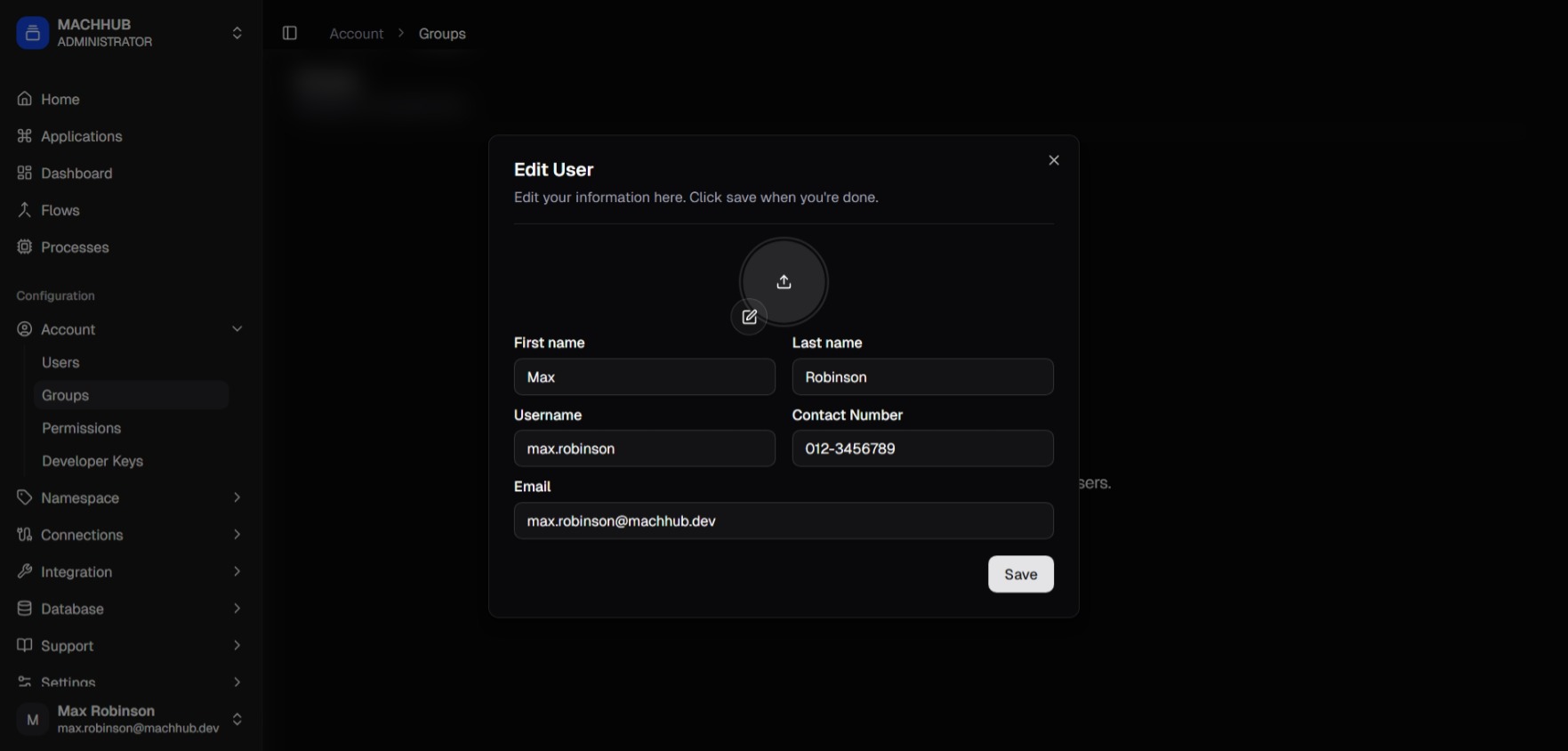
/profile).Edit your details
Section titled “Edit your details”Update your name and profile information, then save. Changes apply to your own account.
Change your password
Section titled “Change your password”Use the change-password action to set a new password (you’ll confirm your current password first).
Theme & sign out
Section titled “Theme & sign out”The user menu also holds the light/dark theme toggle and Log out (which clears your session and returns you to the login page).
Related
Section titled “Related”- Logging in & domains
- Admins managing other people: Users